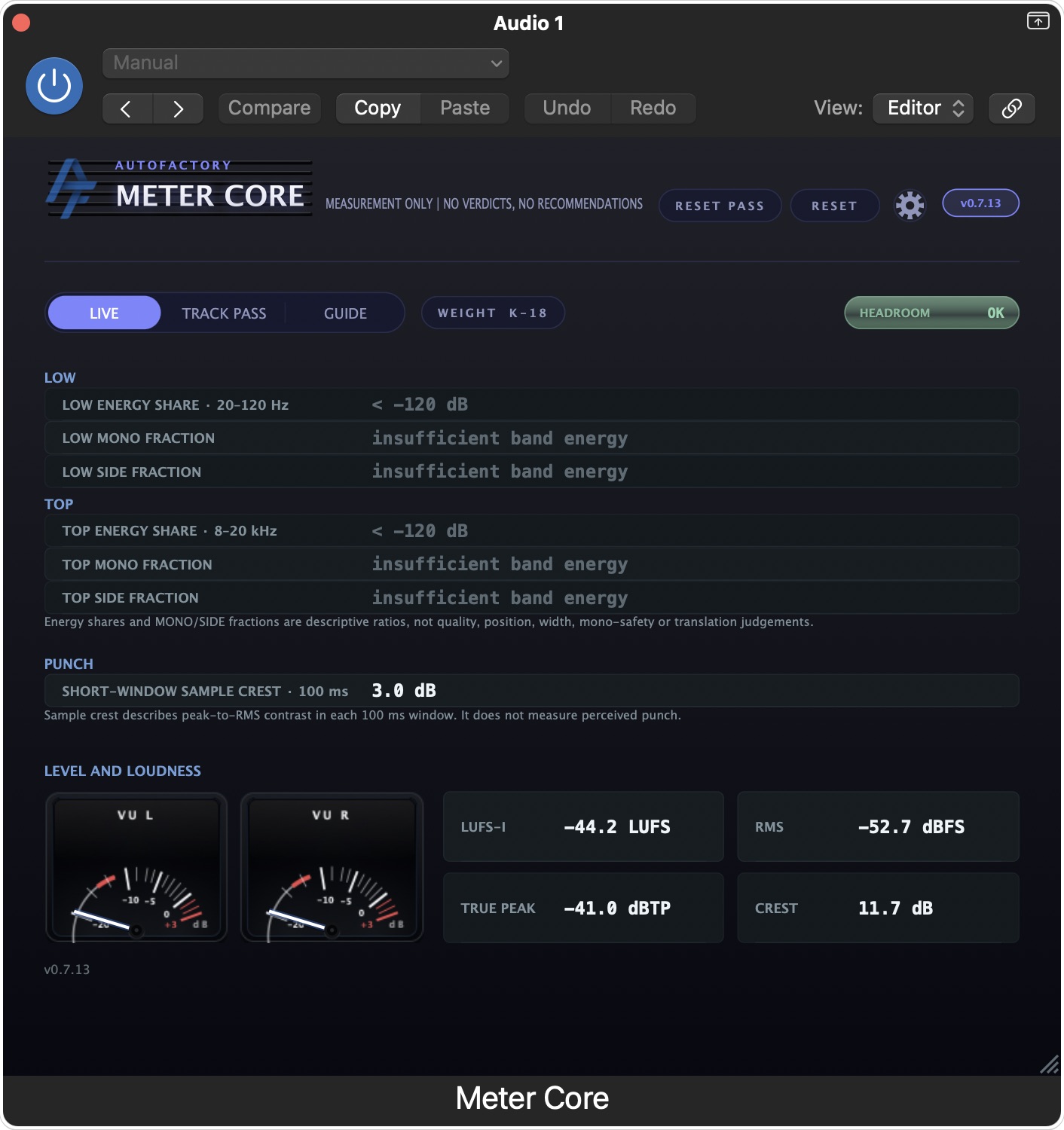
Meter Core is a free loudness and level meter for macOS and Windows. It shows what it measures in the audio you feed it — including LUFS, true peak, RMS, crest and band energy. It does not grade your mix or predict how it will sound elsewhere.
Download Meter Core — Free Download for Windows — Free · VST3Free, no signup. Or get the link by email + launch updates (optional):
When something changes in a mix, a meter can show what changed in the measured signal: level, loudness, peaks, crest or the energy in a named band. It cannot tell you why the mix feels different, or how it will sound on another system. Use the readings to compare; use your ears to decide.
See integrated LUFS, true peak, RMS and crest alongside the stereo VU and the HEADROOM warning. Read the live value and the warning as separate displays.
See measured energy share for 20–120 Hz and 8–20 kHz, plus the MONO and SIDE fractions within each band. These are signal ratios, not width, mono-safety or translation verdicts.
Capture a pass and review its measurements separately from the live meter. Reset the pass without clearing the live readings.
Meter Core’s measurement contract defines what the band figures mean and what they do not. The LUFS-I cross-check publishes its method and results. Read the numbers as measurements of this pass, not as a target score.
A live view of level, loudness and band measurements from the incoming audio. The exact values depend on the signal and the point in the chain where you place the plugin.
AU + VST3 for macOS (notarized) and VST3 for Windows x64 (signed) — download free, no signup needed.
Download Meter Core — Free Download for Windows — Free · VST3Or get the link by email + launch updates (optional):
No spam. Ever.